
In today’s competitive digital landscape, customer relationship management (CRM) is essential for any business striving to build and maintain strong customer connections. For those using Wix to power their online presence, incorporating a robust CRM app can make all the diffDetailed reporting toolserence. These apps streamline and automate various aspects of customer interactions, from tracking sales and managing contacts to nurturing leads and providing personalized marketing. By leveraging the best CRM software, businesses can enhance their customer service, increase sales efficiency, and foster long-term customer loyalty. Whether you’re managing recruitment agency software to optimize hiring processes or tracking customer inquiries, selecting the best CRM app tailored to your specific needs is crucial to maximize these benefits. Below, we’ve curated a list of some of the top Wix CRM apps that can help elevate your customer relationship management strategy to new heights.
The Best Wix CRM Apps at a Glance
| App Name | Best For | Standout Features |
|---|---|---|
| ALL-in-One CRM | Comprehensive CRM Solution | Integrated sales, marketing, and service tools |
| BROSH CRM | Small to Medium Businesses | Customizable workflows and reporting |
| Wix Members Area | Member Management | Seamless integration with Wix sites |
| SocialBugCRM | Social Media Engagement | Advanced social media tracking and analytics |
| Appy Pie Connect | Automation and Integration | Easy integration with multiple apps |
| HubSpot by SyncSmart | Marketing and Sales Automation | Powerful automation and email marketing tools |
| eDesk | Customer Support Management | Multi-channel support and ticketing system |
1. All-in-one CRM
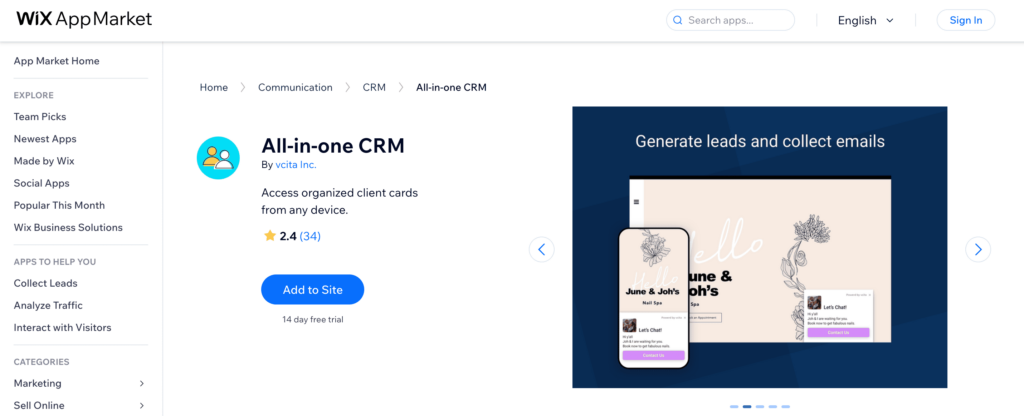
The ALL-in-One CRM app is a comprehensive solution designed to cater to all aspects of customer relationship management. This powerful tool integrates seamlessly with your Wix site, offering an array of features that include sales tracking, marketing automation, and customer service management. Whether you’re looking to streamline your sales processes, enhance your marketing campaigns, or provide exceptional customer support, IT companies can leverage ALL-in-One CRM to access the necessary tools in one cohesive platform. Its intuitive interface and robust functionality make it an excellent choice for businesses aiming to optimize their CRM efforts and drive growth.
All-in-one CRM Features
- Integrated Sales Tracking: Monitor and manage your sales pipeline with ease.
- Marketing Automation: Automate your marketing campaigns to save time and boost efficiency.
- Customer Service Tools: Provide exceptional support with built-in customer service features.
- Customizable Dashboards: Tailor your dashboards to display the metrics that matter most to your business.
- Seamless Wix Integration: Enjoy effortless integration with your Wix site for a unified experience.
All-in-one CRM Pricing
Basic Plan
- Sales tracking and pipeline management
- Email marketing campaigns
- Basic customer support tools
- Customizable dashboards
- Integration with Wix sites
Price: $19/month
Standard Plan
- All features in the Basic Plan
- Marketing automation
- Advanced analytics and reporting
- Custom workflows
- Multi-channel support
Price: $49/month
Premium Plan
- All features in the Standard Plan
- Advanced customer segmentation
- AI-powered insights and recommendations
- Priority customer support
- Unlimited users and contacts
Price: $99/month
Enterprise Plan
- All features in the Premium Plan
- Dedicated account manager
- Custom integration and API access
- Personalized onboarding and training
- Enterprise-level security and compliance
Price: Contact for pricing
All-in-one CRM Pros And Cons
Pros
- Comprehensive Feature Set: Combines sales, marketing, and customer service tools in one platform.
- Seamless Integration: Integrates smoothly with Wix sites for a unified user experience.
- Customizable Dashboards: Allows users to tailor dashboards to their specific needs.
- Scalable Plans: Offers various pricing plans to fit different business sizes and needs.
Cons
- Cost: Premium and Enterprise plans can be expensive for small businesses.
- Learning Curve: The wide range of features may require time to master.
- Limited Customization: Some users may find customization options less flexible compared to other CRM platforms.
- Customer Support: Lower-tier plans may not offer as robust support options as higher-tier plans.
2. Brosh CRM
Brosh CRM is an ideal solution for small to medium-sized businesses looking to streamline their customer relationship management processes. This app offers a user-friendly interface and a range of customizable features designed to enhance productivity and efficiency. With Brosh CRM, businesses can manage contacts, track sales, and automate workflows, all while gaining valuable insights through detailed reporting. Its seamless integration with Wix ensures that users can maintain a cohesive and efficient workflow, making it easier to nurture customer relationships and drive business growth.
Brosh CRM Features
- Contact Management: Efficiently organize and manage customer contacts.
- Sales Tracking: Monitor sales progress and manage pipelines.
- Customizable Workflows: Tailor workflows to fit your business processes.
- Detailed Reporting: Gain insights with comprehensive reports and analytics.
- Seamless Wix Integration: Ensure smooth operation with full integration into your Wix site.
Brosh CRM Pricing
Starter Plan
- Contact management
- Basic sales tracking
- Customizable workflows
- Basic reporting and analytics
- Integration with Wix sites
Price: $15/month
Professional Plan
- All features in the Starter Plan
- Advanced sales tracking
- Enhanced reporting and analytics
- Email marketing tools
- Multi-channel support
Price: $35/month
Business Plan
- All features in the Professional Plan
- Automation of complex workflows
- Customer segmentation
- Priority customer support
- Unlimited users
Price: $65/month
Enterprise Plan
- All features in the Business Plan
- Dedicated account manager
- Advanced customization options
- API access for custom integrations
- Enterprise-level security and compliance
Price: Contact for pricing
Brosh CRM Pros And Cons
Pros
- User-Friendly Interface: Easy to navigate and use, ideal for small to medium-sized businesses.
- Customizable Workflows: Allows businesses to tailor processes to their specific needs.
- Comprehensive Reporting: Provides detailed insights with advanced analytics.
- Seamless Integration: Fully integrates with Wix sites for a cohesive user experience.
Cons
- Limited Features in Lower Plans: Starter and Professional plans may lack some advanced functionalities.
- Pricing: Higher-tier plans can be costly for small businesses.
3. Wix Members Area
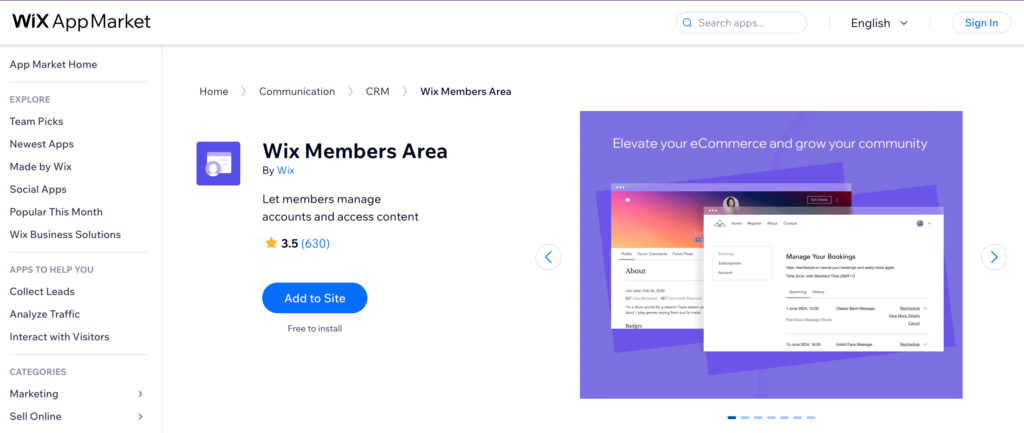
Wix Members Area is an essential app for businesses looking to build and manage a dedicated community on their Wix site. This app enables you to create exclusive member-only areas where users can register, log in, and access personalized content. It’s perfect for businesses that want to offer memberships, subscriptions, or exclusive content to their users. With its seamless integration with Wix, you can easily manage your members, create custom member pages, and enhance user engagement through tailored experiences. Wix Members Area provides a straightforward way to foster a loyal community, keeping your audience engaged and connected.
Wix Members Area Features
- Member Registration: Easy setup for users to sign up and log in.
- Exclusive Content: Create and manage member-only areas with personalized content.
- Custom Member Pages: Design unique pages tailored to different member segments.
- Subscription Management: Offer and manage memberships and subscription plans.
- Seamless Wix Integration: Fully integrates with your Wix site for a unified user experience.
Wix Members Area Pricing
Free Plan
- Member registration and login
- Access to basic member-only content
- Basic member management tools
- Customizable member profile pages
- Seamless integration with Wix sites
Price: Free
Basic Plan
- All features in the Free Plan
- Advanced member management
- Custom member pages with personalized content
- Email notifications and updates to members
- Basic subscription management
Price: $9/month
Pro Plan
- All features in the Basic Plan
- Multiple membership tiers
- Advanced subscription management
- Analytics and member insights
- Priority support
Price: $19/month
Premium Plan
- All features in the Pro Plan
- Unlimited membership tiers
- Advanced customization options
- API access for custom integrations
- Dedicated account manager
Price: $29/month
Wix Members Area Pros And Cons
Pros
- User-Friendly Setup: Easy to create and manage member-only areas on your Wix site.
- Customizable Member Pages: Allows for tailored experiences and personalized content.
- Subscription Management: Offers tools to manage memberships and subscriptions effectively.
- Seamless Integration: Fully integrates with Wix, ensuring a cohesive user experience.
Cons
- Limited Features in Free Plan: Basic functionality in the free plan may not meet all needs.
- Pricing: Higher-tier plans may be expensive for small businesses or startups.
- Customization Limitations: Advanced customization options are only available in premium plans.
- Support: Priority support is only available in higher-tier plans.
4. SocialBugCRM
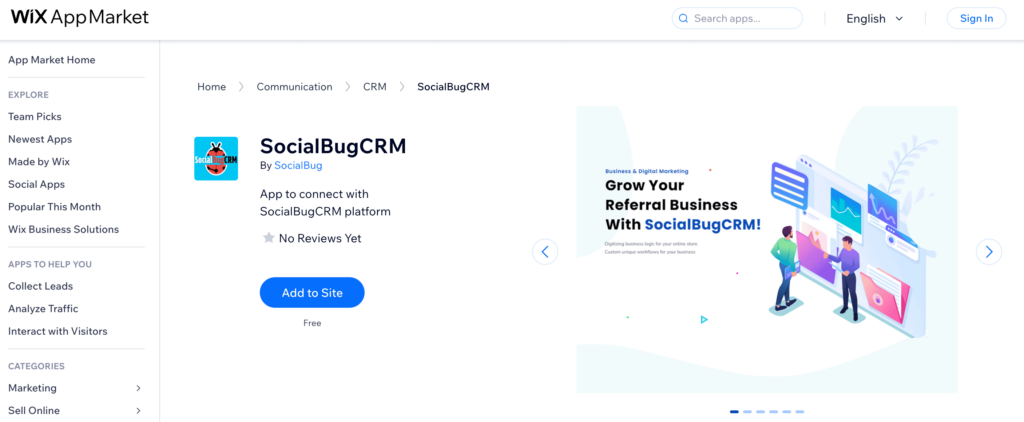
SocialBugCRM is an innovative app designed to enhance your social media engagement and streamline customer relationship management. Ideal for businesses that heavily rely on social media interactions, this app offers advanced tools for tracking social media activity, managing customer interactions, and analyzing engagement metrics. With SocialBugCRM, you can efficiently handle social media inquiries, nurture leads, and build stronger relationships with your audience. Its robust analytics provide valuable insights to optimize your social media strategies and drive growth. Seamlessly integrating with your Wix site, SocialBugCRM is a powerful solution for businesses looking to leverage social media for enhanced customer engagement and satisfaction.
SocialBugCRM Features
Here are five short bullet features of the Wix app SocialBugCRM:
- Social Media Tracking: Monitor and track all social media activity in one place.
- Customer Interaction Management: Efficiently handle and respond to social media inquiries.
- Engagement Analytics: Analyze engagement metrics to optimize social media strategies.
- Lead Nurturing Tools: Nurture leads generated from social media interactions.
- Seamless Wix Integration: Fully integrates with your Wix site for streamlined operations.
SocialBugCRM Pricing
Basic Plan
- Social media activity tracking
- Basic customer interaction management
- Simple engagement analytics
- Integration with one social media platform
- Seamless integration with Wix sites
Price: $15/month
Standard Plan
- All features in the Basic Plan
- Advanced customer interaction management
- Multi-platform social media tracking
- Enhanced engagement analytics
- Lead nurturing tools
Price: $35/month
Professional Plan
- All features in the Standard Plan
- Priority customer support
- Customizable engagement reports
- Automated social media responses
- Team collaboration tools
Price: $55/month
Enterprise Plan
- All features in the Professional Plan
- Dedicated account manager
- API access for custom integrations
- Advanced customization options
- Enterprise-level security and compliance
Price: Contact for pricing
SocialBugCRM Pros And Cons
Pros
- Comprehensive Social Media Tracking: Monitor all social media activities from a single platform.
- Effective Customer Interaction Management: Efficiently handle inquiries and interactions across social media.
- Engagement Analytics: Provides detailed insights to optimize social media strategies.
- Seamless Wix Integration: Fully integrates with Wix sites for a unified experience.
Cons
- Cost: Higher-tier plans can be expensive for small businesses.
- Learning Curve: Advanced features may require time to learn and master.
- Limited Features in Basic Plan: Basic plan may not offer all the functionalities needed for robust social media management.
- Customization Limitations: More advanced customization options are only available in the Enterprise plan.
5 Appy Pie Connect
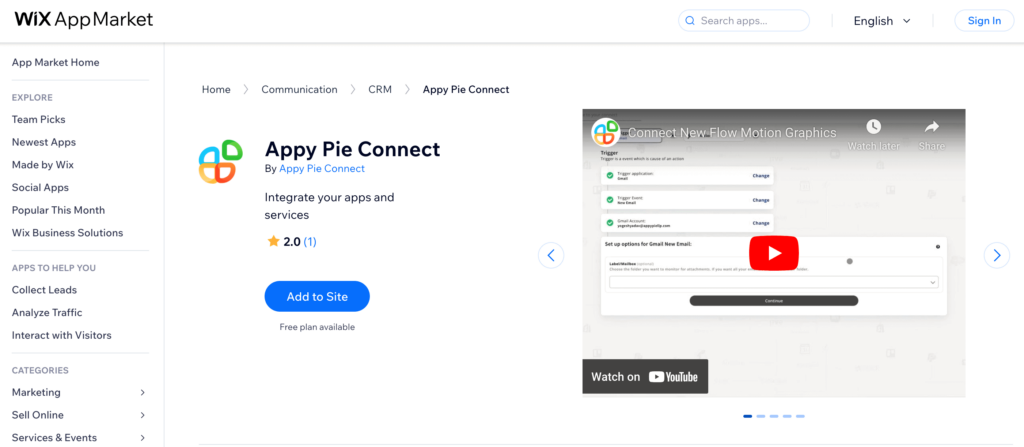
Appy Pie Connect is a powerful automation tool designed to streamline your business processes by connecting your favorite apps with your Wix site. This app allows you to automate repetitive tasks, synchronize data, and improve overall efficiency without any coding knowledge. Whether you need to integrate your CRM, email marketing, social media, or other business applications, Appy Pie Connect offers a seamless way to create workflows that save you time and reduce manual effort. With its user-friendly interface and extensive library of integrations, Appy Pie Connect empowers businesses to enhance productivity and focus on what matters most.
Appy Pie Connect Features
Here are five short bullet features of the Wix app Appy Pie Connect:
- Workflow Automation: Automate repetitive tasks across multiple apps.
- Data Synchronization: Seamlessly synchronize data between your favorite applications.
- No Coding Required: Easy to set up and use without any coding knowledge.
- Extensive Integrations: Connect with a wide range of popular business apps.
- User-Friendly Interface: Simple and intuitive interface for creating and managing workflows.
Appy Pie Connect Pricing
Free Plan
- Basic workflow automation
- Connect up to 5 apps
- Limited to 100 tasks per month
- Access to standard integrations
- Basic support
Price: Free
Starter Plan
- All features in the Free Plan
- Connect up to 20 apps
- 1,000 tasks per month
- Premium integrations
- Email support
Price: $9.99/month
Professional Plan
- All features in the Starter Plan
- Connect unlimited apps
- 10,000 tasks per month
- Advanced workflow automation
- Priority email support
Price: $24.99/month
Business Plan
- All features in the Professional Plan
- 50,000 tasks per
Appy Pie Connect Pros And Cons
Pros
- Easy Automation: Simplifies automation with a user-friendly, no-code interface.
- Wide Range of Integrations: Supports connections with many popular business apps.
- Time-Saving Workflows: Automates repetitive tasks, increasing productivity.
- Scalable Plans: Offers a variety of pricing plans to fit different business needs.
Cons
- Limited Features in Free Plan: The free plan offers basic functionality with low task limits.
- Cost: Higher-tier plans can be expensive for small businesses or startups.
- Learning Curve: Advanced automation features may require some time to master.
- Support: Basic support in lower-tier plans, with premium support only in higher plans.
6. HubSpot by EYEMAGINE
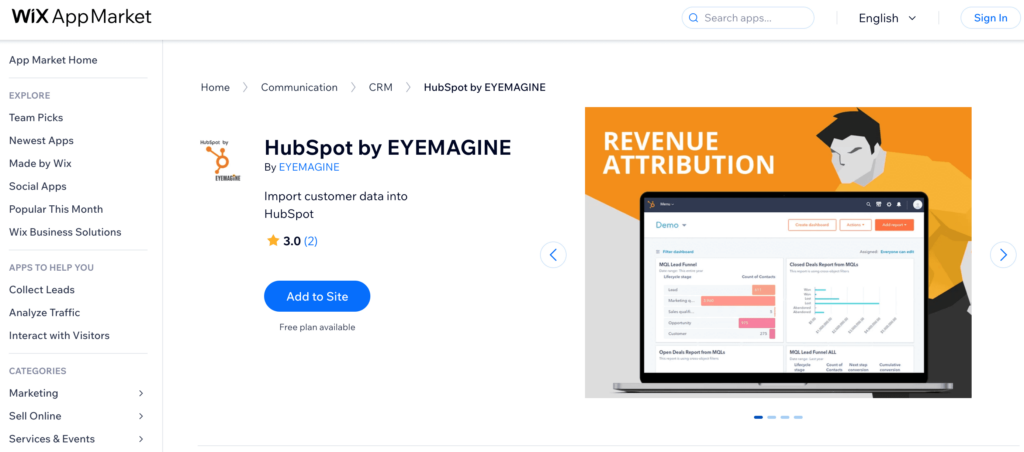
HubSpot by EYEMAGINE is a powerful CRM and marketing automation tool designed to help businesses streamline their customer relationship management and enhance their marketing efforts. This app integrates seamlessly with your Wix site, providing a comprehensive suite of tools for managing contacts, tracking customer interactions, and automating marketing campaigns. With HubSpot by EYEMAGINE, you can create personalized email campaigns, manage leads, and gain valuable insights through detailed analytics. Its user-friendly interface and robust feature set make it an excellent choice for businesses looking to improve customer engagement and drive growth through effective CRM and marketing strategies.
HubSpot by EYEMAGINE Features
- Comprehensive CRM: Manage and track all customer interactions in one place.
- Marketing Automation: Automate email campaigns and marketing workflows.
- Lead Management: Capture, track, and nurture leads efficiently.
- Detailed Analytics: Gain insights with robust reporting and analytics tools.
- Seamless Integration: Integrates smoothly with your Wix site for a unified experience.
HubSpot by EYEMAGINE Pricing
Free Plan
- Contact management
- Basic email marketing tools
- Lead capture forms
- Limited marketing automation
- Basic analytics and reporting
Price: Free
Starter Plan
- All features in the Free Plan
- Advanced email marketing and automation
- Customizable lead capture forms
- Detailed analytics and reporting
- Priority email support
Price: $50/month
Professional Plan
- All features in the Starter Plan
- Enhanced marketing automation
- Multi-channel marketing (social, email, ads)
- Advanced lead management
- Phone and email support
Price: $800/month
Enterprise Plan
- All features in the Professional Plan
- Custom reporting and analytics
- Advanced segmentation and targeting
- Dedicated account manager
- Enterprise-level security and compliance
Price: $3,200/month
HubSpot by EYEMAGINE Pros And Cons
Pros
- Comprehensive CRM and Marketing Tools: Offers a wide range of features for managing customer relationships and automating marketing efforts.
- User-Friendly Interface: Easy to navigate and use, suitable for businesses of all sizes.
- Seamless Integration: Fully integrates with Wix sites, providing a cohesive user experience.
- Detailed Analytics: Provides robust reporting and analytics tools for valuable insights.
Cons
- Cost: Higher-tier plans can be expensive, especially for small businesses.
- Complexity: Advanced features may require time to learn and fully utilize.
- Limited Features in Free Plan: The free plan offers basic functionalities, which may not meet all business needs.
- Support: Premium support options are only available in higher-tier plans.
7. eDesk
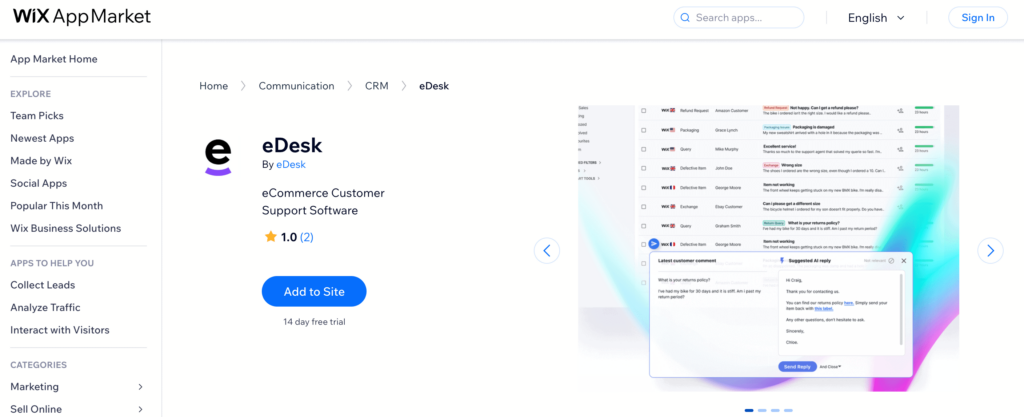
eDesk is a robust customer support management app designed to streamline and enhance your customer service operations. Ideal for businesses looking to provide top-notch support, eDesk integrates seamlessly with your Wix site, allowing you to manage customer inquiries from multiple channels in one unified inbox. With features like automated ticketing, real-time collaboration, and detailed reporting, eDesk helps you respond to customer issues quickly and efficiently. Its intuitive interface and powerful tools ensure that you can maintain high customer satisfaction and build lasting relationships. Whether you’re a small business or a large enterprise, eDesk provides the flexibility and scalability to meet your support needs.
eDesk Features
Here are five short bullet features of the Wix app eDesk:
- Unified Inbox: Manage customer inquiries from multiple channels in one place.
- Automated Ticketing: Streamline support with automated ticket creation and management.
- Real-Time Collaboration: Enable team collaboration for faster issue resolution.
eDesk Pricing
Basic Plan
- Unified inbox for managing customer inquiries
- Automated ticketing system
- Basic real-time collaboration tools
- Standard reporting and analytics
- Integration with one support channel
Price: $20/month
Professional Plan
- All features in the Basic Plan
- Multi-channel support integration (email, social media, live chat)
- Advanced real-time collaboration tools
- Enhanced reporting and analytics
- Priority email support
Price: $50/month
Business Plan
- All features in the Professional Plan
- Customizable ticketing workflows
- SLA management and tracking
- Team performance metrics
- Phone and email support
Price: $100/month
Enterprise Plan
- All features in the Business Plan
- Dedicated account manager
- Advanced security and compliance features
- API access for custom integrations
- Personalized onboarding and training
Price: Contact for pricing
eDesk Pros And Cons
Pros
- Unified Inbox: Consolidates customer inquiries from multiple channels into one place.
- Automated Ticketing: Streamlines support processes with automated ticket creation and management.
- Real-Time Collaboration: Facilitates team collaboration for quicker issue resolution.
- Detailed Reporting: Provides comprehensive analytics and reporting for better insights.
Cons
- Cost: Higher-tier plans can be expensive, especially for smaller businesses.
- Learning Curve: Advanced features may require time to fully understand and utilize.
- Limited Features in Basic Plan: The basic plan may not offer enough functionality for businesses with more complex needs.
- Support: Premium support options are only available in higher-tier plans.
Selection Methodology
To identify the best Wix CRM apps, we employed a comprehensive evaluation process. Our methodology involved assessing a wide range of CRM applications integrated with Wix, focusing on key factors that impact usability and effectiveness for businesses. Here’s how we conducted our analysis:
Evaluation Criteria
Ease of Use (25%) We examined the user-friendliness of each CRM app, considering the simplicity of the setup process, the intuitiveness of the user interface, and the overall learning curve. This criterion ensures that businesses can quickly adopt and efficiently use the CRM without gaining comprehensive training certificates.
Feature Set (35%) A significant portion of our evaluation focused on the range and depth of features offered by each CRM app. We looked for essential CRM functionalities such as contact management, sales tracking, marketing automation, and customer service tools. Additionally, we considered advanced features like workflow automation, custom reporting, and multi-channel support.
Integration Capabilities (20%) We assessed the ability of each CRM app to integrate seamlessly with other tools and platforms. This included evaluating integrations with email marketing services, social media platforms, e-commerce solutions, and other business applications. Strong integration capabilities are crucial for maintaining a cohesive business ecosystem.
Cost and Value (10%) We analyzed the pricing structure of each CRM app, considering both the affordability and the value provided at different pricing tiers. We evaluated whether the apps offered free trials, freemium versions, or flexible subscription plans to accommodate businesses of various sizes and budgets.
Customer Support (10%) Reliable customer support is essential for any CRM implementation. We evaluated the level of support provided by each app, including the availability of live chat, phone support, email support, and comprehensive knowledge bases. We also considered the responsiveness and effectiveness of the support teams.
Scoring and Selection
Each CRM app was scored based on the above criteria, with a weighted percentage assigned to each category. Our experts then combined these scores to determine the overall ranking of the apps. The top-rated apps were selected based on their ability to provide a balanced combination of ease of use, robust features, strong integration capabilities, cost-effectiveness, and excellent customer support.
By using this methodology, we aimed to provide a well-rounded and reliable list of the best Wix CRM apps that can cater to the diverse needs of businesses.
What to Look For in a Wix CRM App
When selecting a CRM app for your Wix site, it’s essential to consider several key factors to ensure you choose the best solution for your business needs. First and foremost, look for ease of use. A user-friendly interface and simple setup process will save you time and help you quickly adapt to the new system. The app should allow you to manage contacts, track sales, and automate marketing tasks effortlessly, enabling you to focus on growing your business rather than navigating complex software.
Feature set is another critical consideration. Ensure the CRM app offers robust functionalities like contact management, sales tracking, and marketing automation. Advanced features such as workflow customization, detailed reporting, and multi-channel support can provide additional value. Integration capabilities are also crucial; the app should seamlessly integrate with other tools you use, such as email marketing services including email signature generators and free email checkers, social media platforms, and e-commerce solutions, to create a cohesive business ecosystem.
Lastly, consider the cost and value of the CRM app. Look for flexible pricing plans that fit your budget, and check if the app offers free trials or freemium versions to test its capabilities before committing. Additionally, reliable customer support is vital to address any issues that arise promptly. By keeping these factors in mind, you can select a Wix CRM app that enhances your business operations and drives growth.
Conclusion
Choosing the right CRM app for your Wix site is crucial to enhancing your business’s customer relationship management and overall efficiency. In this article, we’ve highlighted some of the top Wix CRM apps available, each offering unique features and benefits tailored to different business needs. From comprehensive solutions like ALL-in-One CRM and Brosh CRM to specialized tools like SocialBugCRM and eDesk, these apps provide the functionalities required to streamline your operations, improve customer interactions, and drive growth.
Our selection process was thorough and methodical, focusing on ease of use, feature set, integration capabilities, cost, and customer support. We evaluated each app based on these criteria to ensure they offer a balanced combination of essential and advanced features. This meticulous approach allowed us to identify CRM apps that not only meet the basic needs of managing contacts and tracking sales but also offer robust tools for marketing automation, detailed analytics, and seamless integrations with other platforms.
Ultimately, the apps featured in this article were chosen for their ability to deliver exceptional value to Wix users. Whether you are a small business just starting or an established enterprise looking to optimize your customer relationship management, these CRM apps provide the tools and support needed to succeed. By integrating one of these top CRM solutions into your Wix site, you can enhance your customer engagement, streamline your workflows, and ultimately achieve your business goals.